


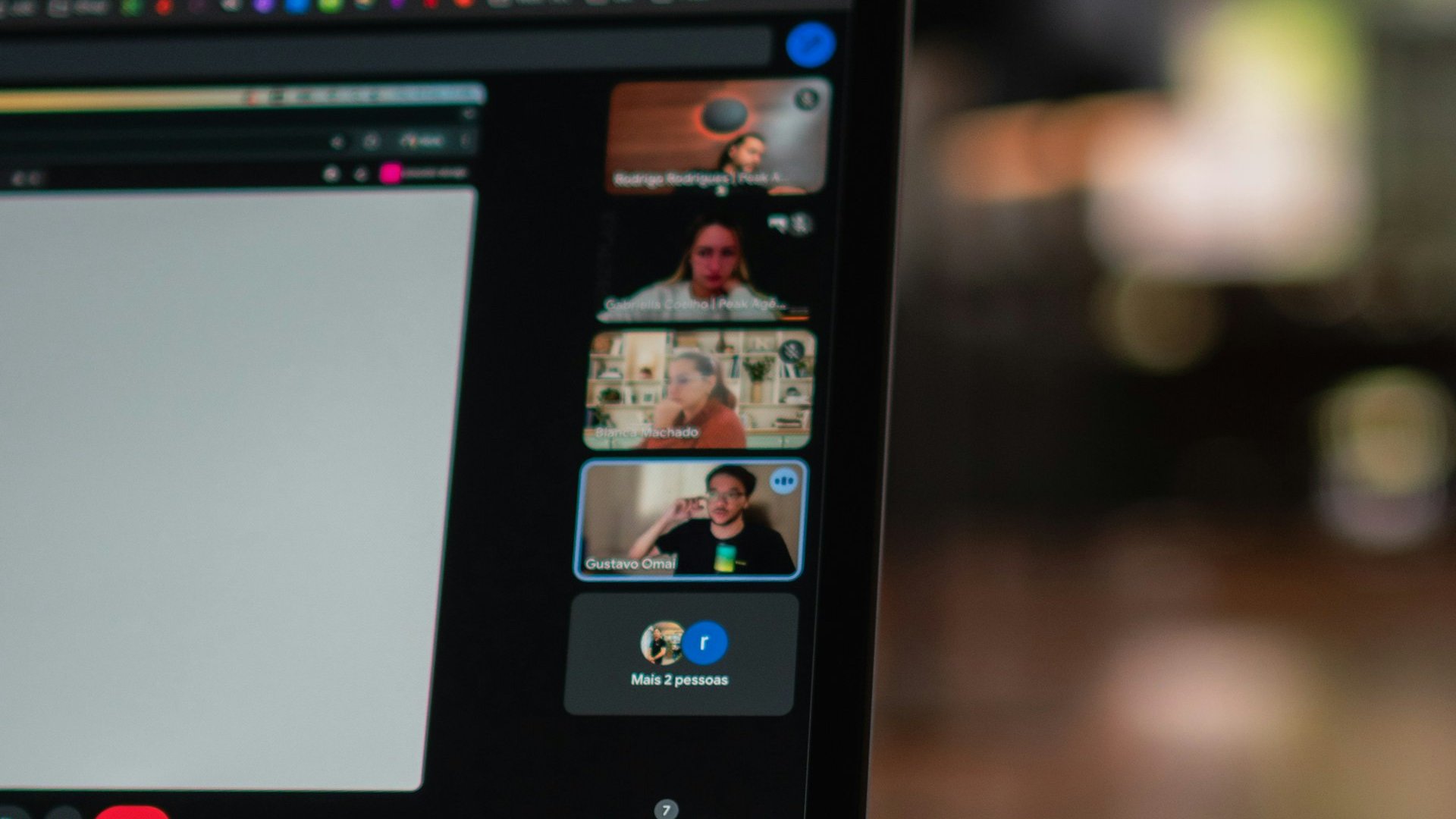
Anthropic has launched Claude Meetings in beta, a feature that brings its Claude AI assistant into Google Meet video calls as a separate participant. It follows the conversation, takes notes, collects action items and can build documents, whiteboards and other materials while the call is still going. On social media the news is already being shared as “Claude now attends calls for you”, but that is an overstatement: the assistant works alongside people, not instead of them.
The feature was unveiled on Tuesday, 10 November, together with Claude Whiteboards and Claude Sheets. Details are in the feature overview on the Claude website and in Anthropic’s Help Center.
Who can use it
For now, Claude Meetings works only on the Team and Enterprise business plans and only with Google Meet. Anthropic says other platforms are “coming soon” but names neither the platforms nor a timeline; Zoom and Microsoft Teams are not mentioned. The feature is not available to organisations with zero data retention (ZDR), HIPAA-ready configurations or customer-managed encryption keys (CMEK).
To add the assistant, users connect Google Calendar on the Meetings page in claude.ai, pick a meeting and click “Add Claude”. Auto-join for all meetings is also available. An organisation owner has to switch the feature on first.
What it does in the call
Participants address Claude by name out loud or type in the Meet chat. By default it answers in writing, in the call chat, where everyone can see the replies. On request it builds documents, whiteboards and slides that the team edits together with it. It can use connected tools, but only with each person’s permission, and for spoken requests it confirms every time who is speaking. Claude can stay in a call for up to eight hours; it can be paused or asked to leave.
After the call, the meeting gets its own page in claude.ai with the summary, action items, transcript and everything the assistant made. Invitees from the organisation receive a recap email with a link and can later ask Claude about past meetings. During the beta, notes, transcripts and answers are included in the plan, documents and whiteboards are free until 10 February 2027, and work with connected tools counts towards the organisation’s usage.
What about privacy
Claude appears in the participant list and posts a notice about itself in the chat. It saves the transcript, the summary and descriptions of what was shown on screen, but does not save audio. Colleagues from the same organisation who were invited can view and edit the meeting page.
“By default, Claude is set to stay out of calls when someone from outside your organization is invited.”
— the feature overview says
If such a guest joins later, the assistant leaves. An admin can allow Claude in meetings with external guests: it then listens and takes notes but does not reply in the chat, and the guests’ words end up in the transcript. Anthropic advises making sure everyone is comfortable being transcribed before adding the assistant.
A tip on information hygiene: if an AI assistant is among the participants, anything said or shown on screen may end up in a transcript that colleagues can read. Sensitive data, passwords and restricted documents are best kept out of such meetings.
Photo: Rodrigo Rodrigues / Unsplash (Unsplash License). A Google Meet video call, illustrative photo.